How to Install Netfly on Firestick? | Watch Movies Ad-Free
Netfly’s popularity is out of the roof these days as it is offering a vast array of premium content for absolutely free with an amazing UI, high-quality online streaming options and the ability to download VODs for offline viewing. If you’re seeking Netfly for Firestick then this is a must-read guide for you. The good news is that Netfly is natively compatible with Fire TV devices, so you can directly install the app file on your TV.
Tired of juggling multiple OTT apps and managing more than one paid subscription? The load is about to be lifted from your shoulder as Netfly will bring all leading OTT platforms together under one roof, as its vast content library contains exclusive and premium content from 20+ OTT platforms, so this one streaming app works as 20+ OTT apps.
Netfy is your free, all-in-one streaming solution. It consolidates premium regional and international content that includes movies, series, anime and dramas. This article will explore Netfly’s features and guide you through Firestick installation, so continue reading to get to know more.
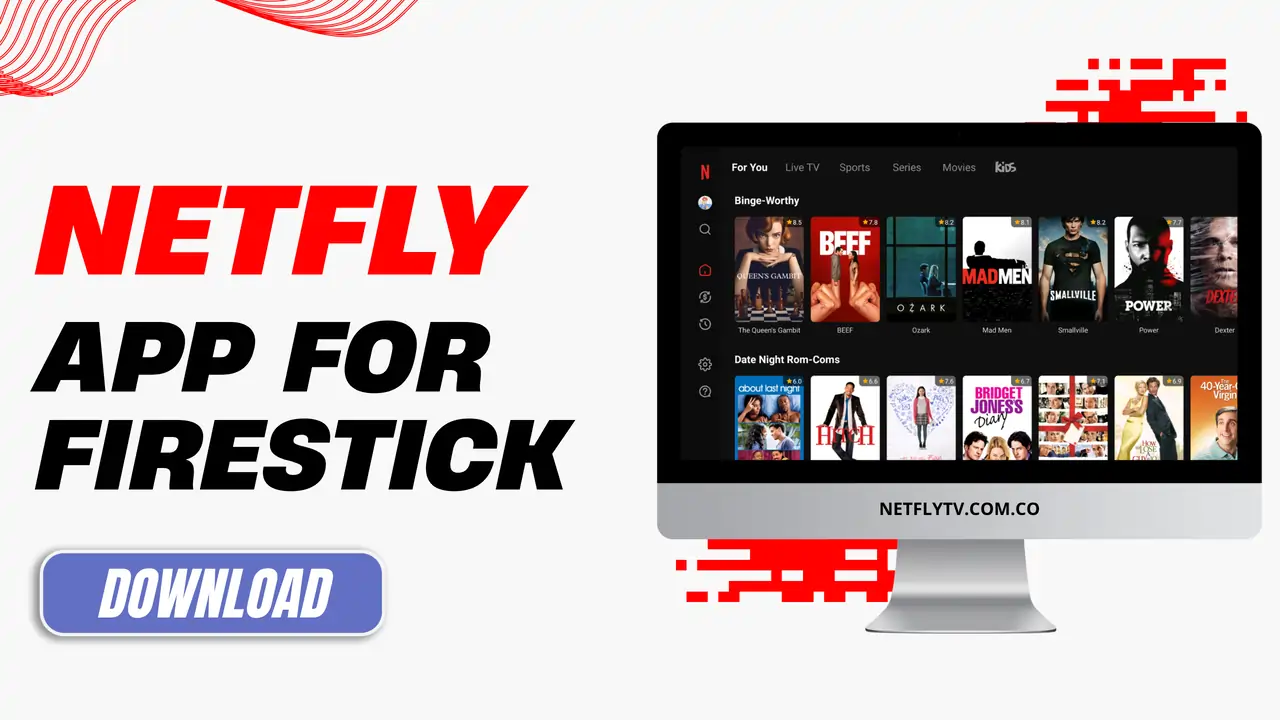
About Netfly For Firestick
Netfly is an online multimedia streaming platform that features a huge collection of streamable links for TV channels and on-demand content such as movies, series, anime and dramas across all genres from all around the world. It provides content in multiple languages with subtitles for a global audience to understand the context better. You can access its full content library without having to create an account on this platform, and there is no payment gateway, so all its features are entirely free of charge.
How to Download and Install Netfly on Firestick?
Experience seamless performance with the latest version of Netfly that is compatible with Amazon Fire TV Stick devices and can be easily installed through direct method or Chromecast support.
Method 1:
Step 1: Open the Settings on your TV and locate the Security & Restrictions section, where you can find an option labelled “Install apps from unknown sources,” so toggle it on.
Step 2: Launch the official App Store on your Firestick and search for the “Downloader by AFTVnews” app, and then install it.
Step 3: Go to the home screen and launch the Downloader app, grant it access to required permissions and enter this code – “5887850” then click on the “Go” button to start downloading the latest Netfly APK file.
Step 4: Wait while the app is downloading, and once it is finished, an install button will pop up on the display. Click on it to initiate the app installation process.
Step 5: Once the installation is completed, go to your TV home screen and scroll down to the installed apps section, where you can find Netfly app icon, so tap on it to launch the app.
Method 2:
Allow unknown sources: Go to the settings on your device, navigate to the security and restrictions sections. Then look for the unknown sources of app installation and enable.
Download the APK file: Open a web browser on your Firestick, visit the official website of Netfly – https://netflytv.com.co/, and click on the download button for the APK file.
Install a File Manager: Launch the App Store and search for a File Manager app and install any of them, such as FX Explorer or File Commander.
Locate the app: Once installed, launch the File Manager app and click on the search bar and look for the Netfly APK file that you have just downloaded.
Install Netfly: Tap on the Netfly APK file and an install button will pop up on the screen, so click on ‘Install’ to simply install this app.
Benefits of Netfly App
Regional & International Content
The content on the Netfly app is not just limited to a certain region or group of people; the app is made for the masses, and it features international content from all corners around the world, so that you can find your local and regional movies, series and dramas as well as foregin language shows such as anime, K-Drama, Chinese Drama, American TV shows, Hollwyood Movies and whatnot!
Completely Ad-Free
Well, Netfly is widely used because it does not charge any money and still offers high-quality content, but to top it all off, Netfly offers a complete ad-free streaming experience. Unlike other third-party platforms that interrupt frequently when streaming videos online, that isn’t the case with the Netfly app. It lets you watch your favourite movies and shows uninterrupted so that you can enjoy entertaining content without irritating ad breaks.
Select Video Quality
Multiple video quality choices are available, and it provides HD and 4K streaming options. The video quality is usually automatically set to higher resolution, giving you a crystal clear, high-quality movie-watching experience. But users have the option to change the resolution based on the requirement.
Offline Playback
Download movies, shows, and documentaries to your device for offline viewing. Ideal for travel or commuting, watch content later without internet after an initial download. All the videos available on this app can be downloaded, but you need to grant storage access to this app from the settings.
Fresh Content Added Everyday
We are living in the era of video content, and new movies and shows are launched every day. Netfly app keeps you updated with the fresh release so that you get to catch up with the current trends. You will never run out of content, and you will never have to watch the same content. Netfy ensures there is always something new for everyone.
Pros & Cons of Using Netfly
FAQs
Conclusion
Netfly is perfect for movie lovers and streaming enthusiasts who seek ad-free, quick access to quality content from leading and premium platforms, all for free without subscriptions. It especially suits those wanting flexibility, letting them stream on Fire TV Stick devices—whenever and wherever.